
Exit the Backrooms: Level 2 - Flip Every Lever and Escape the Entities
Exit the Backrooms: Level 2 is a free first-person horror escape room game and the sequel to Exit the Backrooms: Level 0. You wake up deeper inside the creepy Backrooms, in a vast Level 2 of dark corridors, storage rooms, and endless pipes, and the only way out is to activate all of the levers hidden across the map. You are not alone in here. Big Smiler prowls the level searching for lost souls, the Smiling Swarm lurks in the pipes and comes out when the lights flicker, and The Statue is lightning-fast but freezes the moment you stare at it. A portable entity scanner, cans of almond water, lockers, and hermetically sealed gates give you a fighting chance. Play free online in your browser on computer, phone, or tablet — no download, no sign-up.
How to Play Exit the Backrooms: Level 2
On a computer, use the arrow keys to move around and hold Shift to sprint. Move the mouse to look around, press E or left-click to use objects, X to activate the portable entity scanner, Q to drink almond water, and Tab or Escape to open the pause menu and free the cursor. On a phone or tablet, walk with the left joystick (pull it up to run), rotate the camera by dragging the right side of the screen, and use the on-screen buttons for interactions, the scanner, almond water, and pause.
Mastering the Puzzles: Exit the Backrooms: Level 2 Video Walkthrough
To help you fully immerse in the Exit the Backrooms: Level 2 experience, we've provided a step-by-step gameplay video showing the most efficient way to solve these mysteries.
A Vast Level 2 with a Unique VHS Camera Vibe
Explore a huge map packed with distinct zones — dim storage rooms, corridors under security cameras, pipe networks, and lobbies with vending machines — all rendered with stunning graphics and a unique VHS camera filter that makes every flicker of light feel wrong.
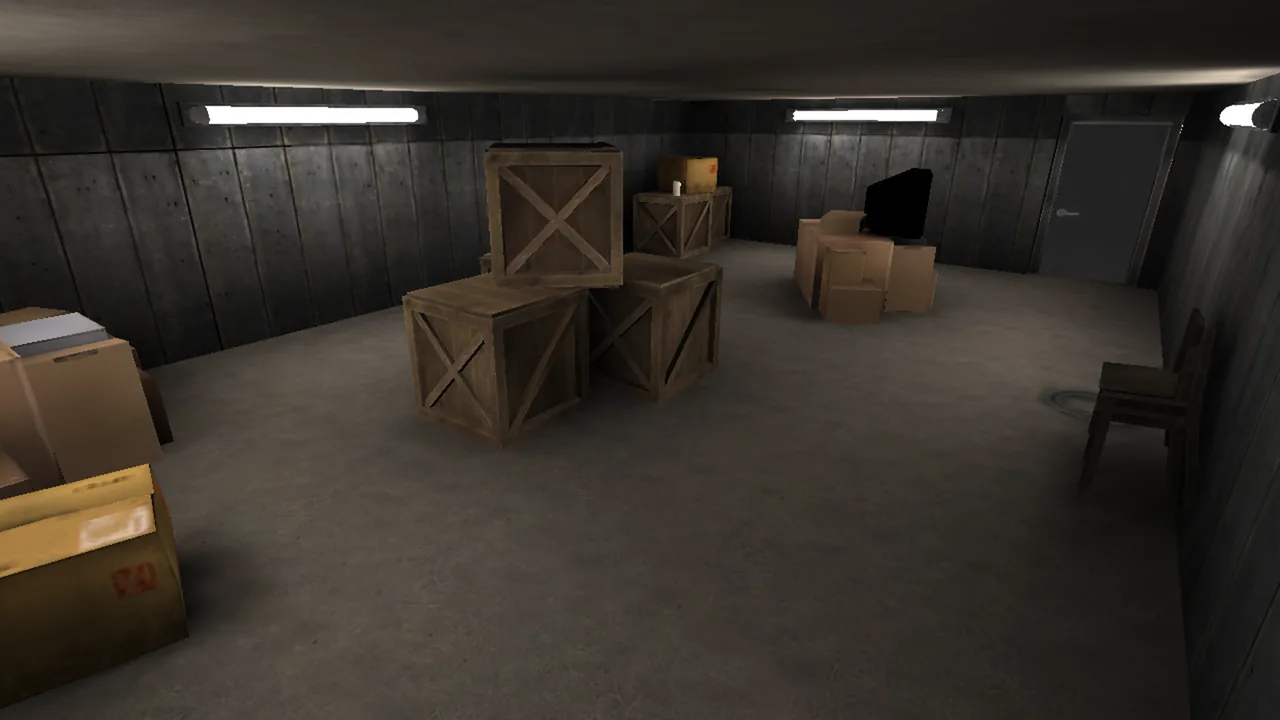
Search dim storage zones for levers and supplies, and memorize the layout as you go.
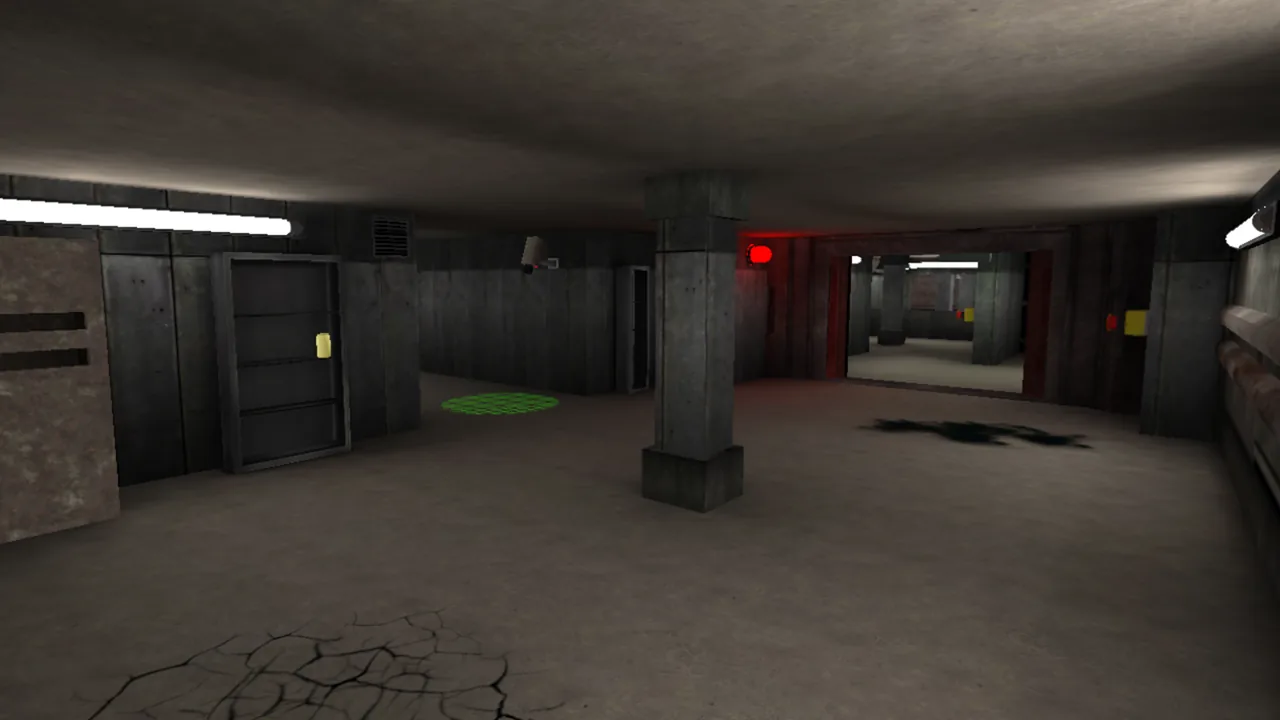
Security cameras and warning lights help you read each zone — and notice when the lights start to flicker.
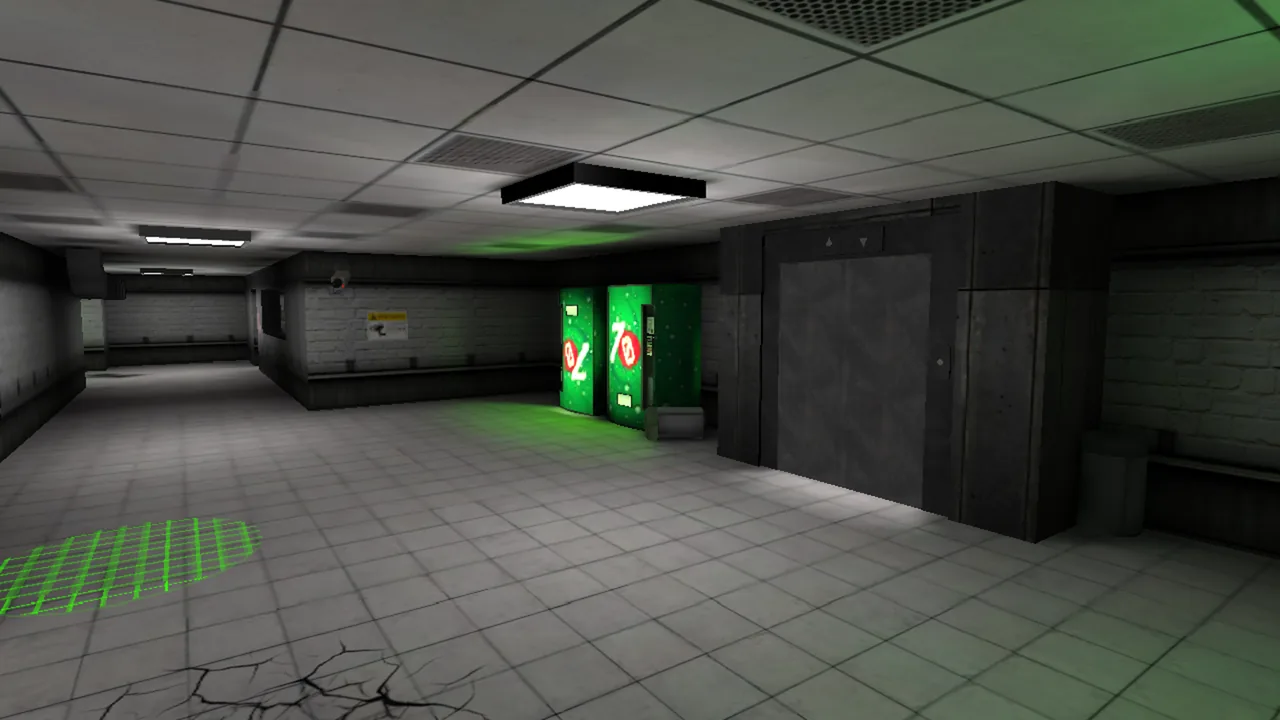
Vending machines and hermetically sealed gates act as landmarks across the vast Level 2 map.
Activate All the Levers to Find Your Way Out
The exit to Level 2 stays sealed until every lever on the map has been pulled. Each one is guarded by distance, darkness, and the entities between you and it, so plan a route, keep your bearings in the repeating rooms, and work the map lever by lever like a giant escape room.
Survive Three Entities, Each with Its Own Tricks
Big Smiler prowls the level searching for lost souls and punishes players who wander without cover. The Smiling Swarm lurks in the pipes — if the light flickers, it is time to hide. The Statue is lightning-fast but freezes when you stare at it, so keep it in sight and back away slowly.
Entity Scanner, Almond Water, Lockers, and Sealed Gates
Your portable entity scanner reveals threats before they reveal themselves, almond water keeps you going, and lockers and hermetically sealed gates offer real safety when a Smiler gets too close. Learning when to scan, when to drink, and when to hide is the heart of the escape.
Multiple Game Modes, Original Music, and Hidden Secrets
Play Classic for the full escape, Stay Awake for a longer survival test, Learn the Ropes to practice, or Survival for the ultimate challenge — with amazing audio, original music, lots of cool mechanics, and hidden secrets rewarding players who explore every corner.
How to Play Exit the Backrooms: Level 2
Move, Sprint, and Look Around
Use the arrow keys to move and hold Shift to sprint on a computer, or the left joystick on mobile (pull up to run). Look around with the mouse or by dragging the right side of the screen, and save your sprint for emergencies.
Flip Every Lever
Press E or left-click (or tap the interaction button) to activate each lever you find. The way out only opens once every lever on the Level 2 map has been pulled, so keep track of the zones you have already cleared.
Scan Before You Commit
Press X to use the portable entity scanner and check what is waiting in the next room. If the lights flicker, the Smiling Swarm is close — get to a locker. If you meet The Statue, stare straight at it and keep moving backwards; it only freezes while you watch.
Manage Your Almond Water
Collect almond water as you explore and press Q to drink it when your energy drops. Running from Big Smiler drains you fast, so top up whenever supplies are nearby instead of waiting until the chase has already started.
Use Lockers and Sealed Gates
Hide inside lockers to break line of sight with entities, and rely on hermetically sealed gates as safe boundaries when you need a moment to re-plan your route to the next lever.
If you enjoyed Exit the Backrooms: Level 0, Level 2 is a straight upgrade: a bigger map, three distinct entities instead of one, more mechanics built around scanning, hiding, and staring down The Statue, and the same grimy VHS atmosphere that makes the Backrooms feel endless. It plays directly in your browser for free, controls just as well on a phone or tablet as on a computer, and the four game modes give you room to learn the ropes before committing to a full escape run. For more creepy escape challenges, browse our horror escape room collection.
Play Exit the Backrooms: Level 2 now, flip every lever, keep your eyes locked on The Statue, and see if you can find the way out of the creepiest Backrooms level yet.
Exit the Backrooms: Level 2 FAQ
Is Exit the Backrooms: Level 2 free to play?
Yes. You can play Exit the Backrooms: Level 2 online for free on OnlineEscapeRoom.org, directly in your browser with no download and no sign-up required.
What is the goal in Exit the Backrooms: Level 2?
Your goal is to activate all of the levers hidden across the Level 2 map. Once every lever is pulled, the way out of the Backrooms opens — but three entities patrol the level and will try to stop you.
What entities are in Exit the Backrooms: Level 2?
There are three: Big Smiler, which prowls the level searching for lost souls; the Smiling Swarm, which lurks in the pipes and attacks when the lights flicker; and The Statue, which is lightning-fast but freezes while you stare directly at it.
What are the controls in Exit the Backrooms: Level 2?
On a computer: arrow keys to move, Shift to sprint, mouse to look, E or left-click to use objects, X for the entity scanner, Q to drink almond water, and Tab or Escape to pause. On mobile: left joystick to walk and run, drag on the right side to look, and on-screen buttons for interaction, the scanner, almond water, and pause.
Is Exit the Backrooms: Level 2 a sequel?
Yes. It is the sequel to Exit the Backrooms: Level 0, where you had to activate 10 valves to escape the endless yellow maze. Level 2 moves you into the pipe levels with new entities, new mechanics, and multiple game modes including Classic, Stay Awake, Learn the Ropes, and Survival.