
Five Nights at Freddy's: 3D Escape Online Night Shift
Five Nights at Freddy's: 3D Escape is a first-person, pixel-style 3D horror game that places you inside a gloomy night shift. Move through dark hallways and the surveillance room, watch the functioning camera system, and keep Freddy and the other animatronics from getting too close. Doors, lights, and cameras consume precious battery power, so every defensive action must help you survive until dawn. Find more animatronic night-shift challenges in our FNAF Games collection.
How to Play Five Nights at Freddy's: 3D Escape
On PC, move with WASD, turn with the mouse, and left-click to open or close doors, switch lights, and interact. Press E to open the camera tablet, ESC to pause, and use the mouse wheel to change between first-person and side view. On mobile, move with the joystick, swipe to look around, tap to interact, use the tablet icon for cameras, and use the available view control to switch perspective.
Mastering the Puzzles: Five Nights at Freddy's: 3D Escape Video Walkthrough
To help you fully immerse in the Five Nights at Freddy's: 3D Escape experience, we've provided a step-by-step gameplay video showing the most efficient way to solve these mysteries.
Pixel-Style 3D FNAF Horror
Unlike a fixed office view, this escape presents the night shift as a 3D space with gloomy corridors and a working surveillance room. The first-person perspective makes each camera check and hallway encounter feel dangerously close.
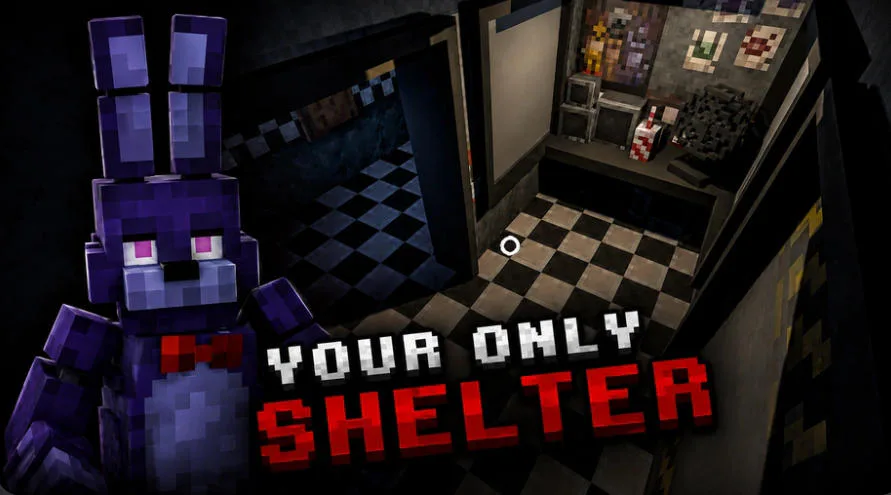
The security room is your only shelter when Bonnie moves through the dark pixel-style halls.
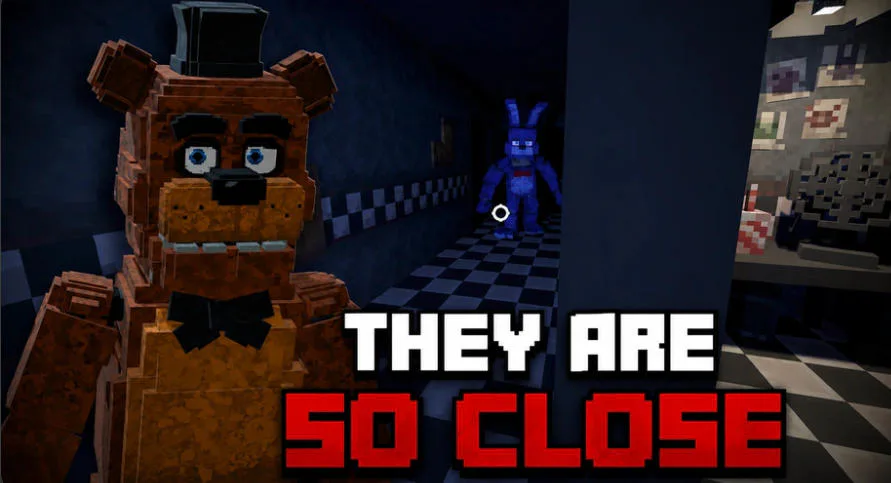
Watch the doorway and cameras closely when Freddy and Bonnie close in on the office.
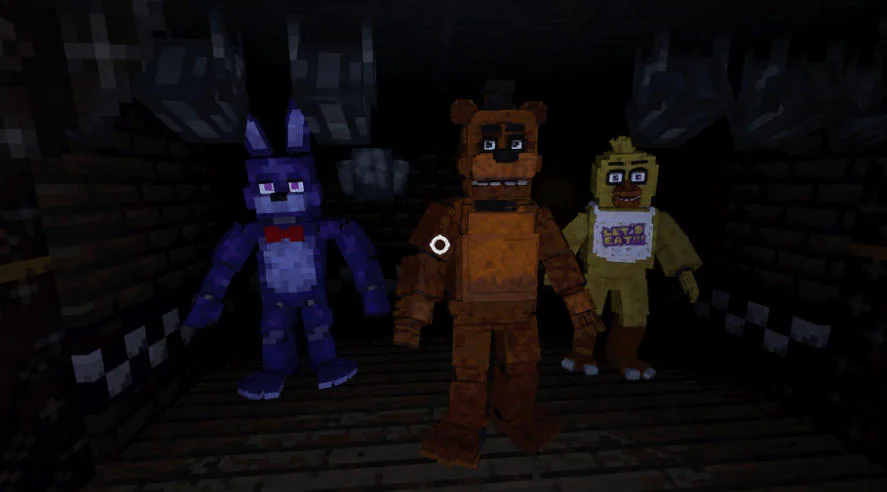
Freddy, Bonnie, and Chica can appear in the darkness when you least expect them.
A Functioning Camera System
Open the camera tablet to check different parts of the building and track animatronic movement. Regular monitoring reveals approaching threats, but staying on the feeds for too long wastes the power needed for other defenses.
Limited Battery, Doors, and Lights
Battery power supports the cameras, lights, and doors that keep the night guard safe. Check the halls and close an entrance only when danger is near, because overusing equipment can leave you defenseless before dawn.
Unpredictable Animatronic Patrols
The animatronics do not remain in one place or follow a perfectly safe schedule. Scan the feeds, watch nearby halls, and react to what you see instead of relying on the same routine every night.
How to Play Five Nights at Freddy's: 3D Escape
Move and Choose Your View
Use WASD and the mouse on PC, or the joystick and screen swipes on mobile. The mouse wheel changes between first-person and side view on PC; use the available F5 view control on mobile to see from behind the character.
Check the Camera Tablet
Press E on PC or tap the tablet icon on mobile to open the surveillance cameras. Move between feeds to locate animatronics and decide which hallway or doorway needs attention.
Use Doors and Lights Carefully
Left-click or tap to interact with doors and light switches. Confirm that an animatronic is close before using a defense, then turn it off again when the danger passes to preserve battery power.
Stay Alert Until Dawn
Repeat a calm cycle of camera checks, hallway checks, and short defensive actions until the night ends. Press ESC on PC or the pause button on mobile when you need to stop and review your next move.
Five Nights at Freddy's: 3D Escape fits an Online Escape Room audience by turning survival into a resource puzzle inside a threatening building. You read the camera feeds, predict animatronic routes, control access with doors and lights, and stretch one battery through the entire shift. Free movement and switchable perspectives give the familiar security challenge a more physical 3D feel.
Play Five Nights at Freddy's: 3D Escape online, monitor the cameras, conserve battery power, and keep every animatronic outside until dawn.
Five Nights at Freddy's: 3D Escape FAQ
What is the goal in Five Nights at Freddy's: 3D Escape?
Survive the night shift until dawn without letting the animatronics reach you. Monitor their movement, use doors and lights at the right time, and keep enough battery power for the whole night.
How do the cameras work in Five Nights at Freddy's: 3D Escape?
Press E on PC or tap the tablet icon on mobile to access the surveillance feeds. Switch between cameras to find animatronics and check whether one is approaching your position.
Why should I conserve battery power?
Cameras, doors, and lights use the limited battery. If you waste power early, you may lose the defenses needed to keep the animatronics away before dawn.
Can I change the camera perspective?
Yes. Use the mouse wheel on PC to toggle between first-person and side view. On mobile, use the available F5 view control to switch between first-person and a view from behind the character.