
Poppy Playtime Chapter 1 - Original
Step into a toy factory where the most useful tool is a backpack with two long-reaching hands. Explore the reception area, figure out how the machines work, and make a toy of your own. Keep track of Huggy Wuggy as you go. This chapter is free to play online.
Using the GrabPack in Poppy Playtime Chapter 1
The game gives the left and right hands separate controls. When you reach a new room, look for panels and equipment you can reach from where you're standing before moving on to the next machine.
From reception to the factory floor
The tiled lobby introduces the factory's bright colors. Farther inside, those colors help you pick out the GrabPack hands against the machinery.
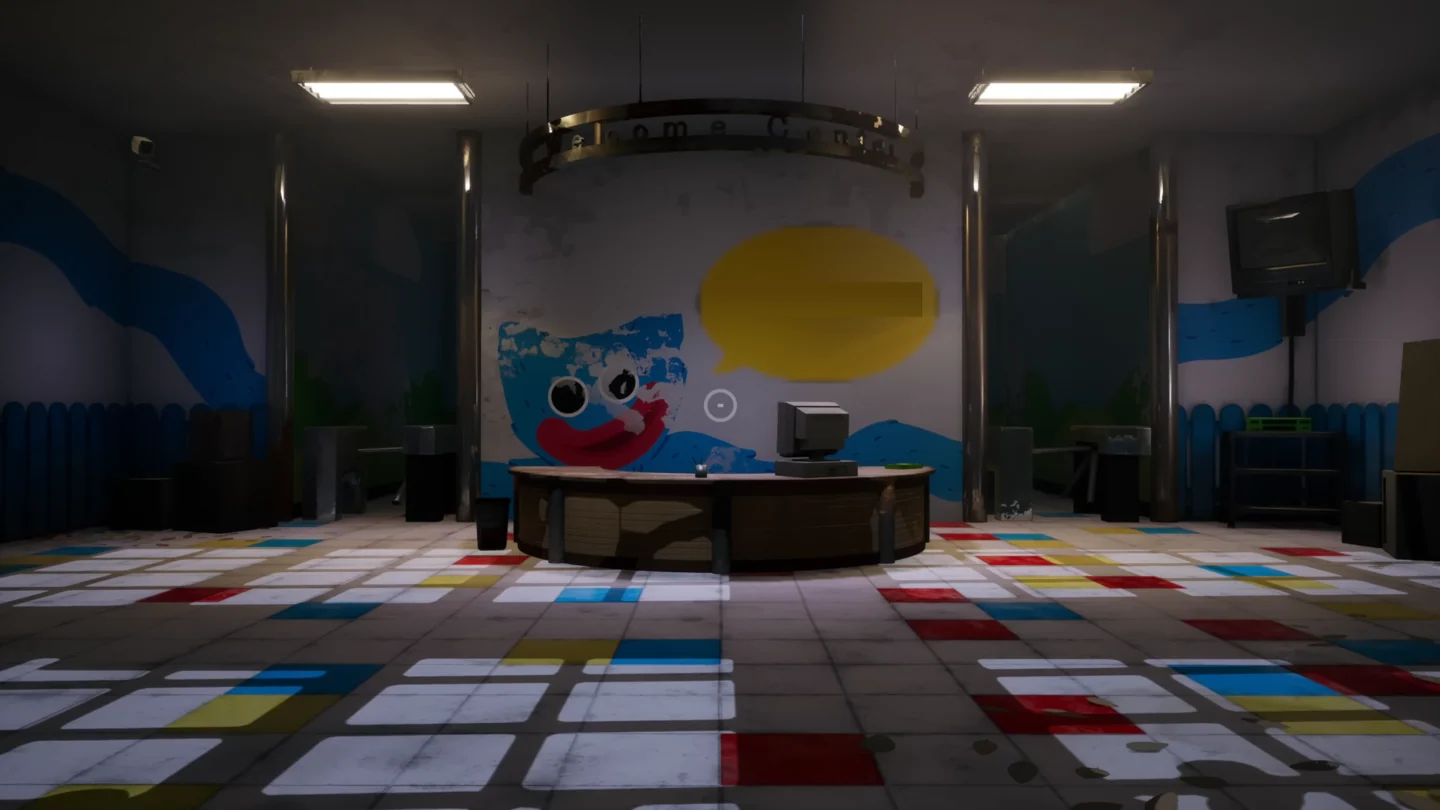
Start by looking around the reception desk.
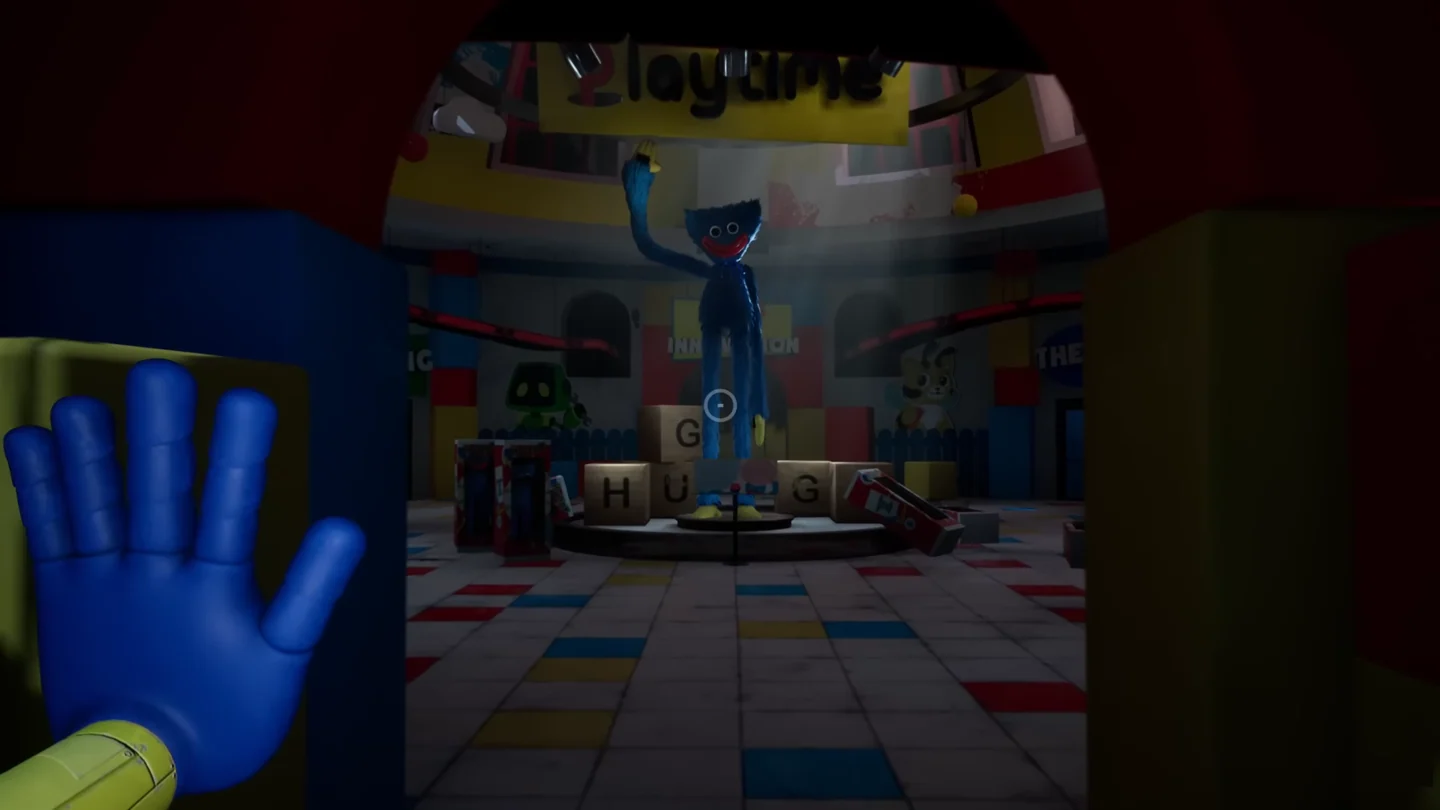
Huggy Wuggy towers over the lobby display.
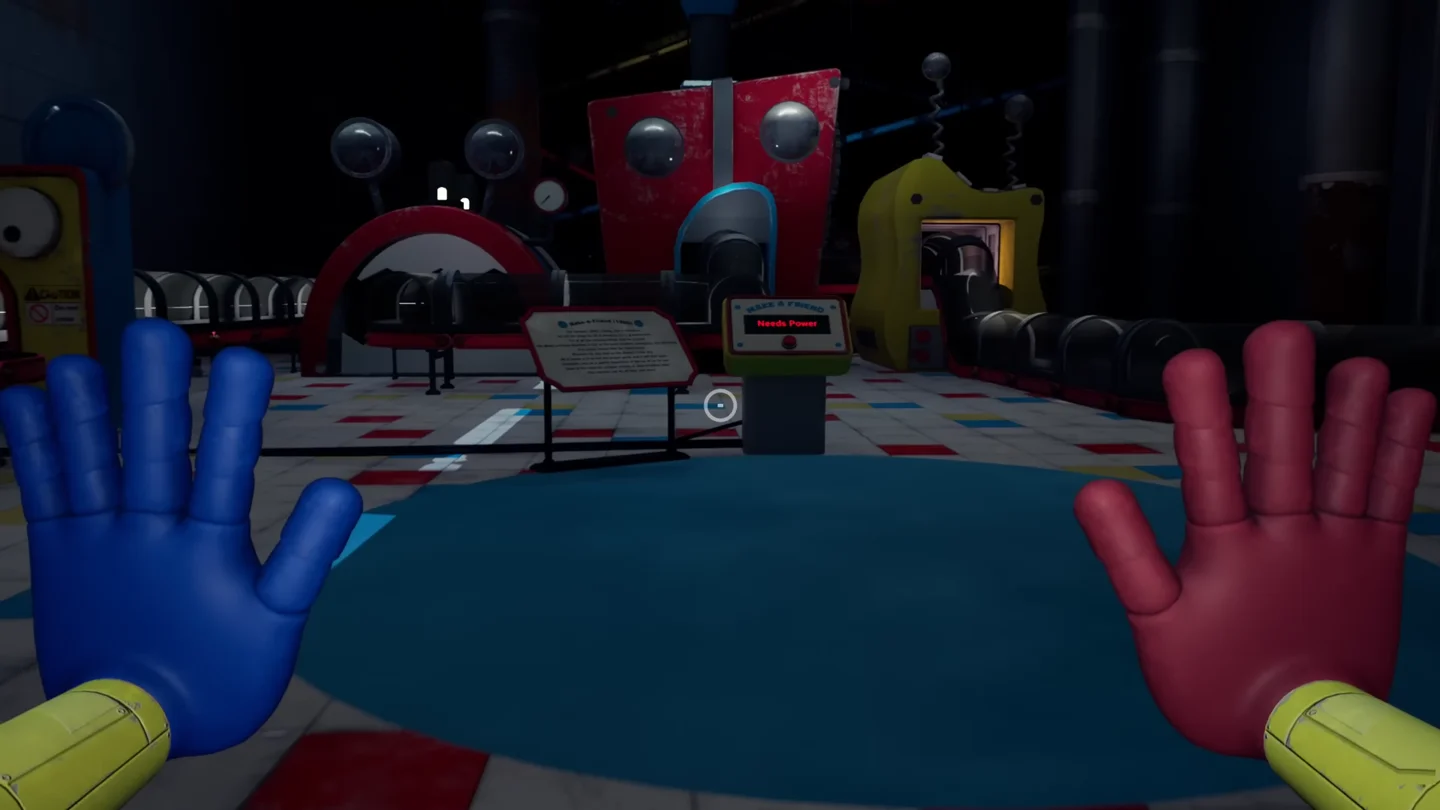
Both hands are visible at the toy-making station.
How to Play Poppy Playtime Chapter 1 - Original
Explore the factory
Walk with WASD and jump with Space. Left-click to interact with nearby objects.
Operate the GrabPack
Press Q for the left hand and E for the right. Aim at a point on the machinery before activating the hand you need.
Make a toy and watch for Huggy
Follow the factory puzzles to the toy-making equipment. When Huggy Wuggy gives chase, move through the opening ahead.
Poppy Playtime Chapter 1 - Original FAQ
Which button uses the right GrabPack hand?
Press E for the right hand. Q controls the left hand, and a left mouse click handles ordinary object interactions.
What is the goal of this chapter?
Explore the toy factory with the GrabPack, solve the machinery puzzles, make a toy, and avoid being caught by Huggy Wuggy.