
Schoolboy: Prison Escape - Stealth Prison Escape Game
Schoolboy: Prison Escape is a first-person stealth horror escape game where a kidnapped schoolboy wakes inside a locked cell and must find a way out of an abandoned prison. Search each room for hidden objects, read the clues left in dark corners, solve prison riddles, avoid traps, and move without making noise before the guards notice you. If you like schoolboy escape stories with a different kind of pressure, try Schoolboy Runaway after this prison escape.
How to Play Schoolboy: Prison Escape
Your goal in Schoolboy: Prison Escape is to escape the prison alive. Explore from a first-person view, stay silent in every corridor, collect useful items, switch inventory tools when a puzzle demands it, and listen for danger. Every room hides a secret, and every careless step can bring the guards closer.
Mastering the Puzzles: Schoolboy: Prison Escape Video Walkthrough
To help you fully immerse in the Schoolboy: Prison Escape experience, we've provided a step-by-step gameplay video showing the most efficient way to solve these mysteries.
First-Person Prison Horror
Schoolboy: Prison Escape puts you inside a dark abandoned prison where locked cells, narrow corridors, traps, and guarded rooms turn the escape into a tense Online Escape Room challenge.
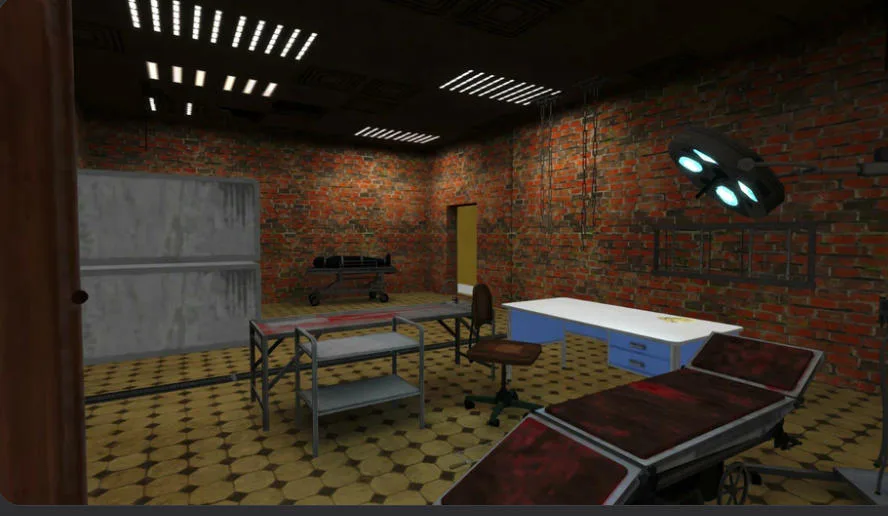
Explore prison rooms carefully and watch for traps or guard patrols.
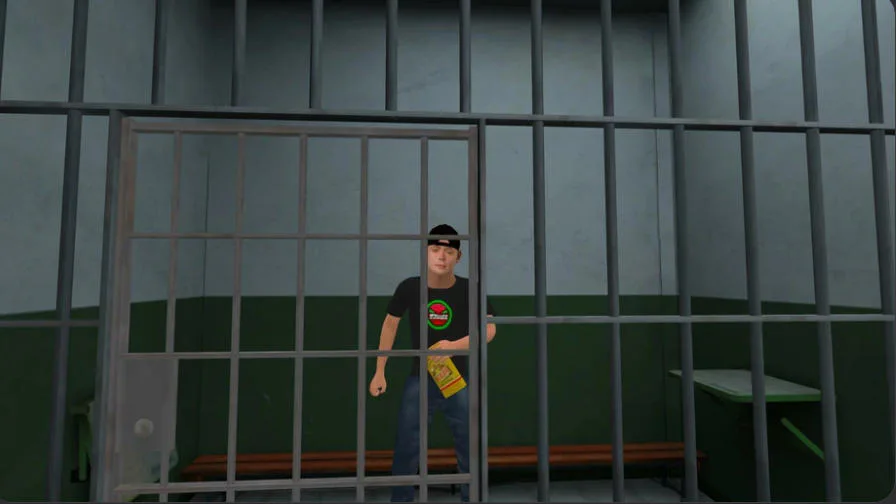
Search dark rooms for objects, clues, and tools that can open the next route.
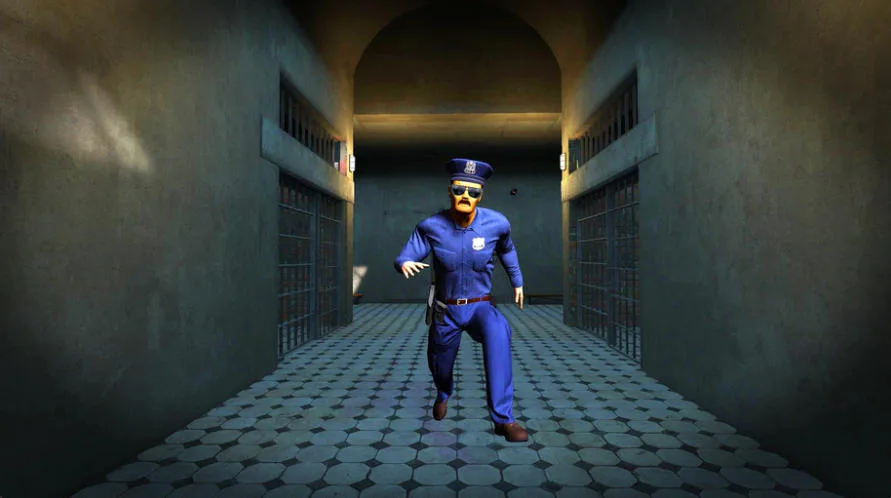
Move silently and solve each room's secret before the guards close in.
Silent Stealth and Guard Avoidance
Noise is dangerous. Crouch when needed, move with patience, throw objects only when it helps, and avoid drawing attention while you cross corridors or inspect suspicious rooms.
Hidden Objects, Riddles, and Inventory
Useful objects are scattered through cells and prison rooms. Pick up anything important, switch inventory slots, match items to locks or mechanisms, and solve logic puzzles to keep moving.
PC and Mobile Controls
The game supports keyboard stealth controls on PC and touch controls on mobile, including movement, camera look, crouch or stand, item throwing, inventory switching, hints, pause, and exit.
How to Play Schoolboy: Prison Escape
Move Quietly Through the Prison
On PC, use WASD to move. On mobile, use the lower-left joystick for movement and the right side of the screen to control the camera. Move slowly when guards may be nearby.
Crouch, Interact, and Throw Items
Press C to crouch or stand, E to interact with objects, and G to throw an item. On mobile, use the human-figure button to sit or stand and the hands-with-down-arrow button to throw.
Switch Inventory and Solve Room Secrets
Use 1, 2, 3, 4, 5 on PC or the object icons near the bottom center on mobile to switch inventory items. Test objects against doors, locks, traps, and clue spots until the route opens.
Pause, Exit, or Use a Hint
Press TAB to open the pause menu or Q to exit on PC. On mobile, use the two-stripe button to pause, the right-arrow button to exit, and the light bulb icon for a hint when a puzzle blocks progress.
Schoolboy: Prison Escape is a strong pick for players who want an Online Escape Room with stealth pressure, psychological horror, prison exploration, hidden object searching, and logic puzzles. The tension comes from uncertainty: a corridor may hide a clue, a trap, or a guard waiting for one loud mistake.
Play Schoolboy: Prison Escape now, stay silent, solve the prison puzzles, and help the schoolboy escape before the guards catch him.
Schoolboy: Prison Escape FAQ
What is the main goal in Schoolboy: Prison Escape?
Your goal is to escape alive from an abandoned prison after a kidnapped schoolboy wakes inside a locked cell. Search rooms, solve riddles, avoid traps, and stay away from the guards.
Is Schoolboy: Prison Escape a horror game?
Yes. It blends first-person exploration, prison escape tension, stealth, puzzles, and psychological horror. The fear comes from dark rooms, uncertainty, traps, and the risk of being noticed.
How do the controls work in Schoolboy: Prison Escape?
On PC, use WASD to move, C to crouch or stand, E to interact, G to throw, Q to exit, number keys to switch inventory, and TAB to pause. Mobile uses joystick, camera touch, item, hint, pause, and exit buttons.
What should I do if I get stuck in Schoolboy: Prison Escape?
Check each room again for hidden objects, try unused inventory items on locks or mechanisms, crouch to explore safely, and use the light bulb hint button if a riddle or item location is hard to spot.