
Think to Escape 2: Read the Room and Unlock the Exit
Think to Escape 2 turns an ordinary locked room into a test of observation, logic, and memory. In this free online escape game, you inspect furniture and decorations, collect useful objects, and work out why each number, color, and pattern was placed in the scene. A clue discovered early may only make sense after you open another compartment, so careful players are rewarded for remembering details and revisiting suspicious spots. The point-and-click controls keep the focus on reasoning rather than speed: select objects, study notes, test codes, and use inventory items where they belong until the exit finally opens. There is no download or sign-up between you and the puzzle. If you are searching for a Think to Escape 2 walkthrough, start by reading the whole room before guessing—most answers come from connecting visible evidence rather than clicking at random.
Why Think to Escape 2 Works as a Logic Puzzle Escape Game
The rooms look familiar, but their everyday objects form a connected chain of clues. Progress comes from noticing relationships—such as counts, colors, positions, and sequences—then applying the answer to the correct lock or container.
Mastering the Puzzles: Think to Escape 2 Video Walkthrough
To help you fully immerse in the Think to Escape 2 experience, we've provided a step-by-step gameplay video showing the most efficient way to solve these mysteries.
Clue-Dense Locked Rooms
Shelves, drawers, pictures, books, and small decorations can all carry useful information. The restrained room design makes each solved connection feel earned instead of relying on action or luck.
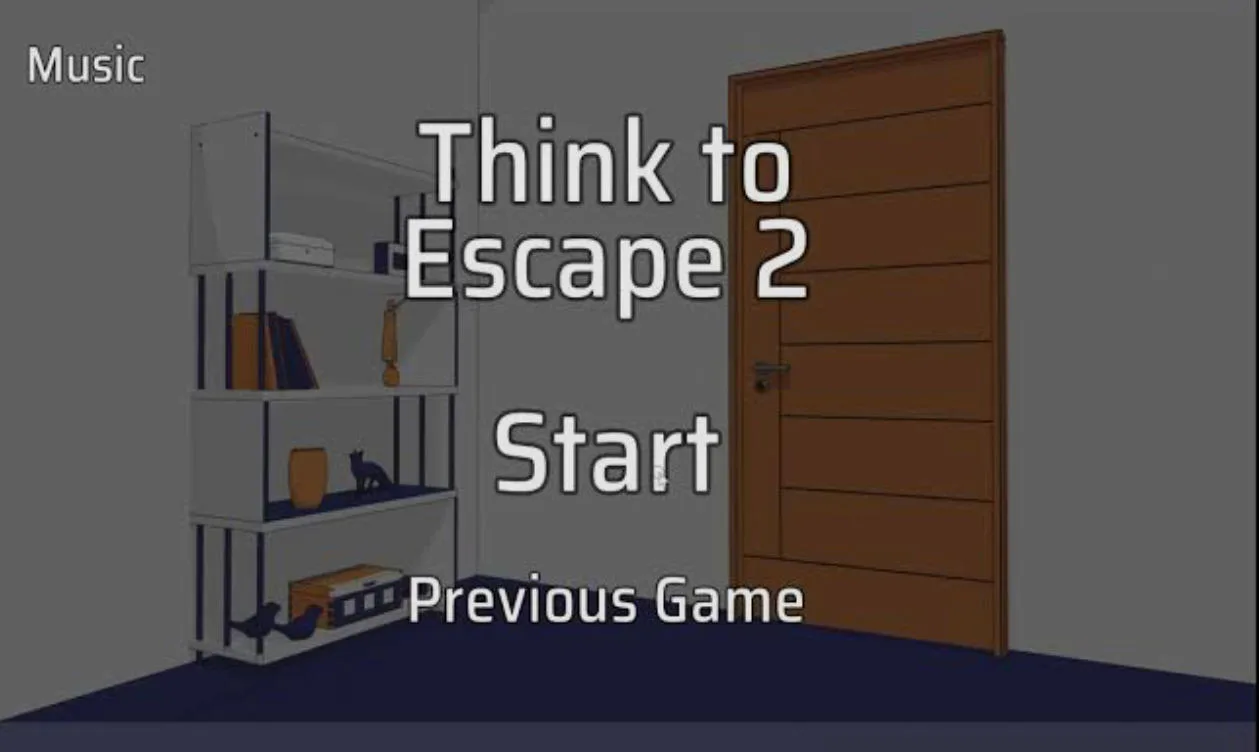
Study the shelves and every ordinary object before deciding which clue opens the wooden exit.
Logic and Memory Riddles
Expect codes built from colors, quantities, visual order, and information found elsewhere in the room. Remembering where a clue appeared is often as important as solving it.
Useful Item Chains
Collected objects move into an inventory and may unlock a box, reveal another hint, or complete a later interaction. When an item seems useless, its matching target may still be hidden.
Simple Point-and-Click Controls
Use the mouse on desktop or tap on a touch screen to inspect, collect, select, and apply objects. With no combat or complicated key layout, all attention stays on the escape puzzle.
How to Play Think to Escape 2
Inspect the Entire Scene
Click or tap furniture, drawers, wall details, books, and decorations. Check each area methodically so a small clue does not disappear into the background.
Record Numbers and Patterns
Notice colors, counts, symbols, and ordered groups. Keep a short note if needed, because a clue can belong to a lock found in another view.
Select and Use Inventory Items
Choose a collected object, then click the place where it logically fits. Revisit unopened containers whenever a new key, code, or tool becomes available.
Connect the Final Clues
Solve one obstacle at a time and follow the item chain until you obtain what opens the exit. If stuck, recheck earlier details instead of entering random combinations.
Think to Escape 2 is a strong choice for players who prefer calm deduction to timers, combat, or jump scares. Its compact rooms turn ordinary objects into meaningful evidence, making it easy to start but satisfying to untangle. Play this puzzle escape room free in your browser with no download or sign-up.
Play Think to Escape 2 now, connect every hidden clue, and prove you can unlock the room without guessing.
Think to Escape 2 FAQ
What is the goal in Think to Escape 2?
Search each locked room for objects and clues, solve the connected riddles, and obtain what you need to open the exit.
How do you play Think to Escape 2?
Click or tap objects to inspect and collect them. Select inventory items to use them in the scene, and enter codes derived from numbers, colors, patterns, or other visible clues.
Is Think to Escape 2 free online?
Yes. You can play the browser version for free with no game download or account registration required.
Can I play Think to Escape 2 on mobile?
The game supports browser play on desktop and mobile devices. On a phone or tablet, taps replace mouse clicks.
What should I do if I get stuck?
Recheck notes, colors, object counts, and the order of items around the room. Then revisit locked containers and test any inventory item that logically matches them; the walkthrough video can help with the remaining step.