
Leave 2: Escape from Prison - Jump, Sprint, and Break Out
Leave 2: Escape from Prison is a free online prison escape adventure by ArtCO that tests your movement and awareness. Avoid the guards, complete missions, and get through the obstacles standing between your character and freedom. The blocky 3D prison includes cells, raised routes, narrow ledges, and hazards that make it useful to look ahead before moving. Use the camera to line up the next landing, jump across gaps, and speed up when you need to move quickly. Guards add another reason to study the surroundings instead of focusing only on the platform directly ahead. As you explore, look for hidden gems and follow the current mission so you know what to attempt next. The desktop controls give movement, jumping, and sprinting separate keys, while mobile players have a joystick and dedicated action buttons. Start in the browser player above with no site download required, or watch the official gameplay preview below for a look at the prison setting.
Leave 2: Escape from Prison Obstacles, Guards, and Missions
Escaping combines careful movement with attention to the guards around you. Check a route before jumping into it, use the camera to understand the next obstacle, and keep following the mission as you work through the prison.
Leave 2: Escape from Prison Gameplay Preview
Watch the official Leave 2: Escape from Prison gameplay preview for a look at the blocky prison environment and its escape challenges.
Prison cells and obstacle routes
Explore blocky prison rooms and raised paths with gaps and hazards. Take time to position the camera before attempting a jump, especially when the next ledge is narrow. Looking ahead helps you decide where to land and where to go afterward.
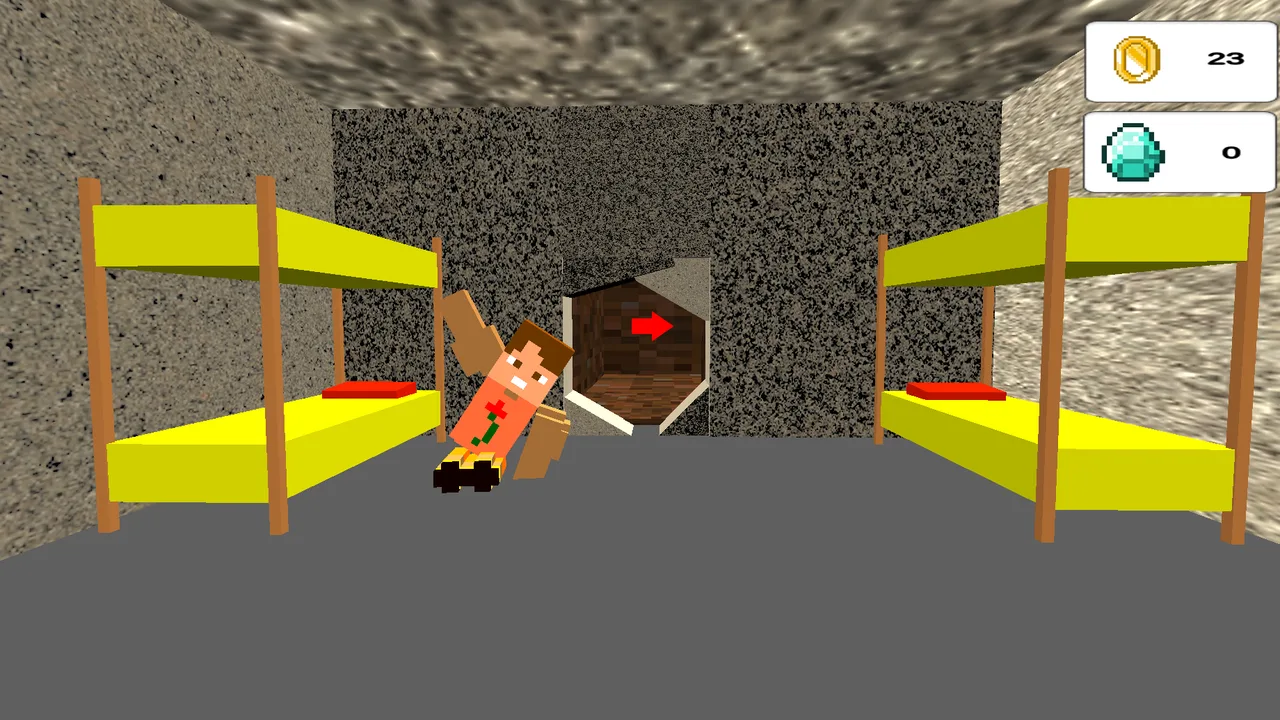
Explore the prison rooms and find the route that leads to the next challenge.
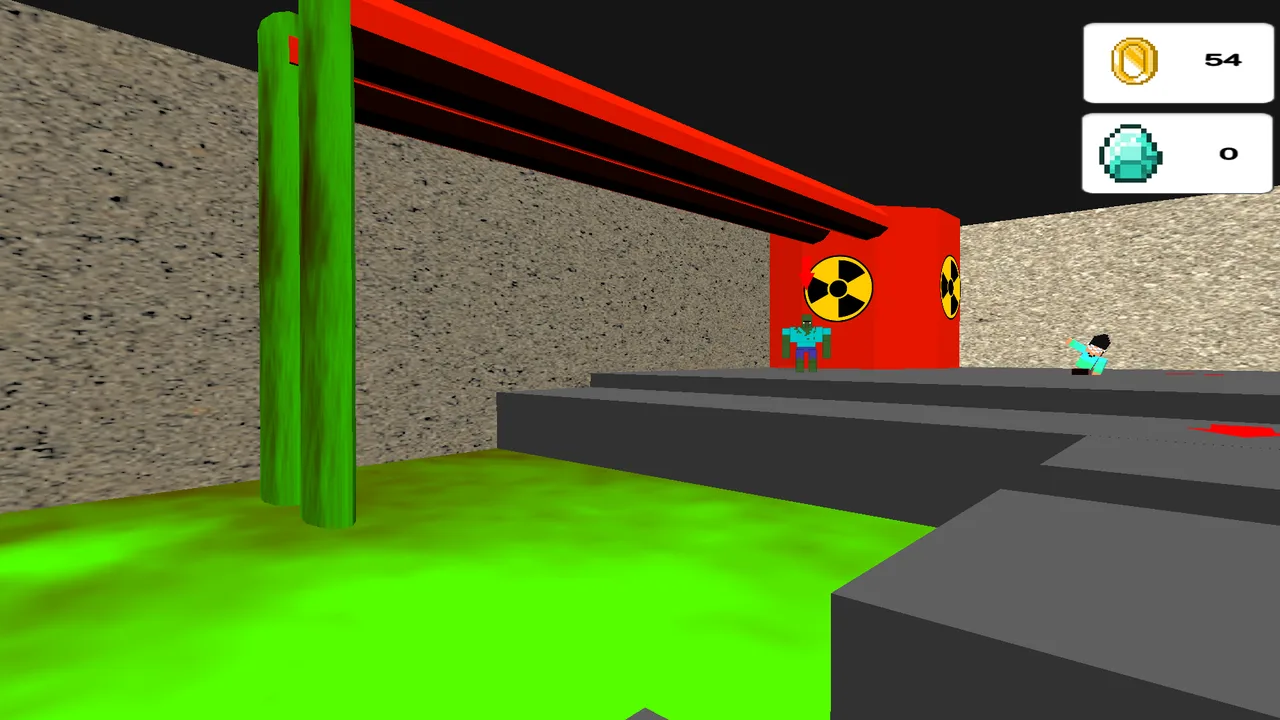
Line up your movement before crossing the platforms above the green hazard.
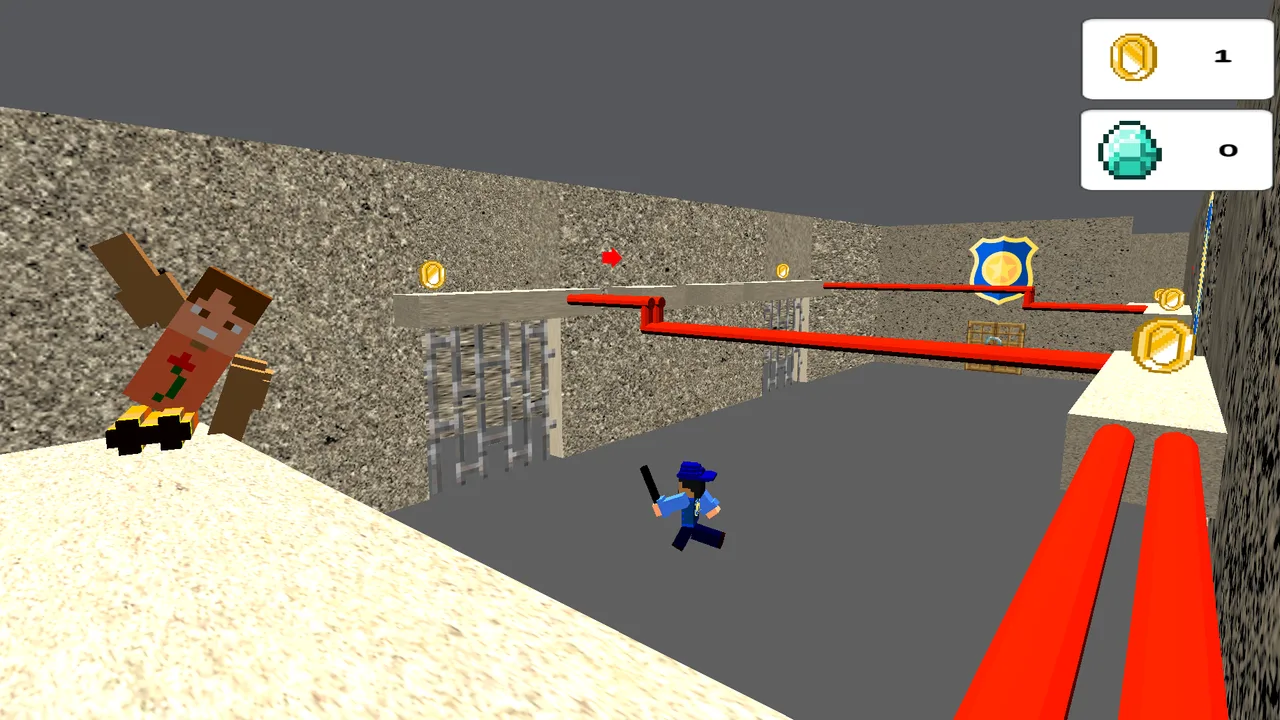
Keep an eye on the guards while moving across narrow ledges.
Guards that make the escape risky
Avoid the watchful guards as you work through the prison. Check their positions and the space around your character before making a move. Jumping and sprinting are useful tools, but observing the route is just as important as moving quickly.
Missions and hidden gems
Complete the missions presented by the game and look for hidden gems while exploring. Keep track of the current task so you can choose the next route with a clear goal. The mix of objectives and movement challenges gives each part of the escape something to focus on.
How to Play Leave 2: Escape from Prison
Start Leave 2: Escape from Prison and learn the camera
Press Start Game in the player above. On a computer, move with the arrow keys and use the mouse to look around. Examine your surroundings and identify the route toward the current objective before setting off.
Jump obstacles and use sprint carefully
Press Space to jump and Shift to speed up on desktop. Line up your character with the next platform, check the landing, and use the extra speed when the situation calls for it. Give yourself time to look around again after an obstacle.
Use the mobile joystick and action buttons
On mobile, move with the joystick on the left. The button above it speeds you up. Swipe on the right side of the screen to turn the camera, and use the button in the lower-right corner to jump.
Avoid guards and complete the escape missions
Watch for guards as you explore, follow the current mission, and look for hidden gems along the way. Keep working through the available routes and obstacles until you find a way out of the prison.
Leave 2: Escape from Prison suits players who enjoy prison escapes built around movement, observation, and obstacles. Dedicated jump and sprint controls let you approach a route carefully or move quickly when needed, while guards and missions keep the escape focused on more than reaching the next platform. Play free online with no site download required. Browse the escape games collection for other prison breaks and adventures, or see the latest escape games added to the site.
Play Leave 2: Escape from Prison now, check the guards, and find the next safe jump on your way out.
Leave 2: Escape from Prison FAQ
Is Leave 2: Escape from Prison free to play?
Yes. You can start Leave 2: Escape from Prison for free in the embedded browser player on this page. No site download is required to begin playing.
What are the keyboard controls for Leave 2: Escape from Prison?
Use the arrow keys to move, Space to jump, and Shift to speed up. Move the mouse to look around and adjust the camera.
How do I sprint in Leave 2: Escape from Prison?
On a computer, use Shift to speed up. On mobile, use the button above the movement joystick on the left side of the screen.
Can I play Leave 2: Escape from Prison on mobile?
The game provides mobile controls: a left-side joystick for movement, a speed button above it, camera control by swiping on the right, and a jump button in the lower-right corner. Performance can vary by device and browser.
What should I do to escape in Leave 2: Escape from Prison?
Avoid the guards, overcome the obstacles, and complete the missions presented by the game. Look for hidden gems while exploring and use the camera to check each route before moving.